

Microsoft Copilot builds a belt conveyor in Autodesk Inventor
Copilot Studio drives Inventor on a local PC through SphereHarness: conveyor parts, a 9-component assembly at 89.3 kg, a STEP export and the set-up steps.

The video plays from YouTube’s privacy-enhanced player only after you click it.
Microsoft Copilot, working from Copilot Studio, built the parts of a belt conveyor in Autodesk Inventor on a local PC through SphereHarness. The nine-component assembly measured 1,500 x 500 x 600 mm and 89.309 kg in Inventor, and the agent exported it as a STEP file.
What was asked
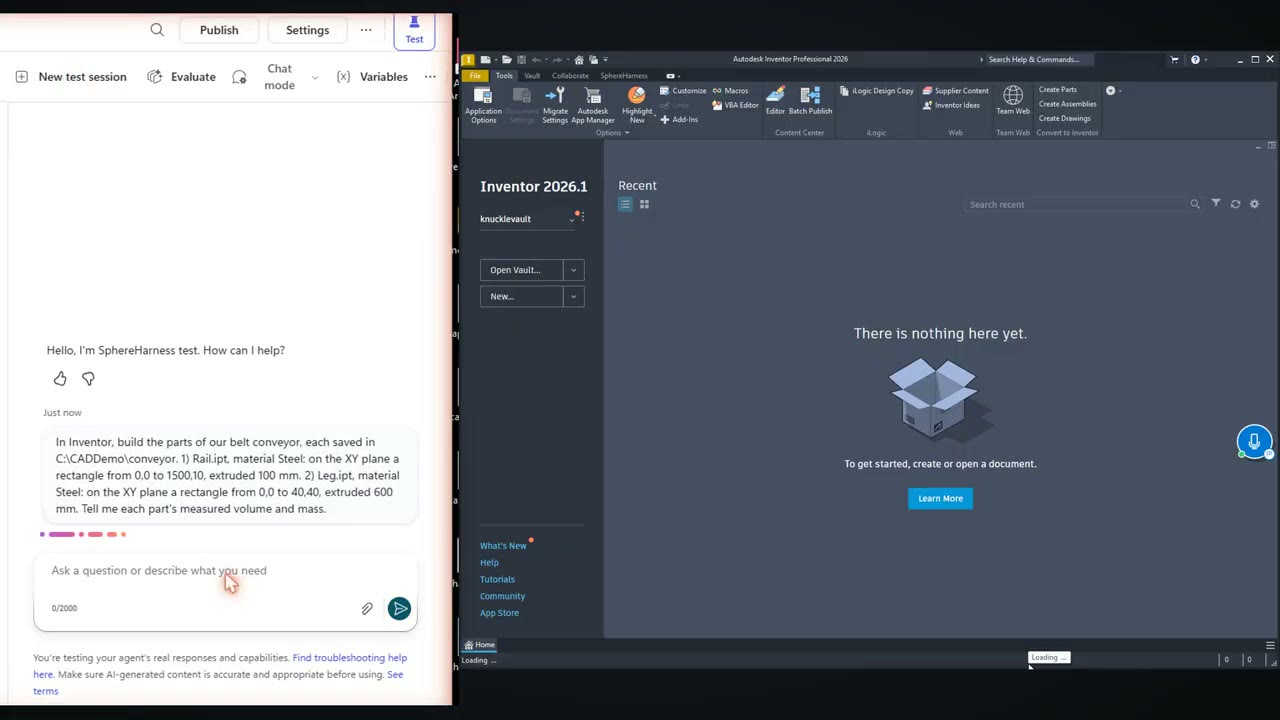
The first request was typed in the Copilot Studio test pane while Inventor was still empty: "In Inventor, build the parts of our belt conveyor, each saved in C:\CADDemo\conveyor. 1) Rail.ipt, material Steel: on the XY plane a rectangle from 0,0 to 1500,10, extruded 100 mm. 2) Leg.ipt, material Steel: on the XY plane a rectangle from 0,0 to 40,40, extruded 600 mm. Tell me each part's measured volume and mass."
What the agent did
Copilot called the SphereHarness tool, and the operations ran in Inventor on the same PC. The reply reports Rail.ipt at 1,500,000 mm³ and 11.775 kg, and Leg.ipt at 960,000 mm³ and 7.536 kg, using the density of Inventor's own Steel, 7,850 kg/m³.
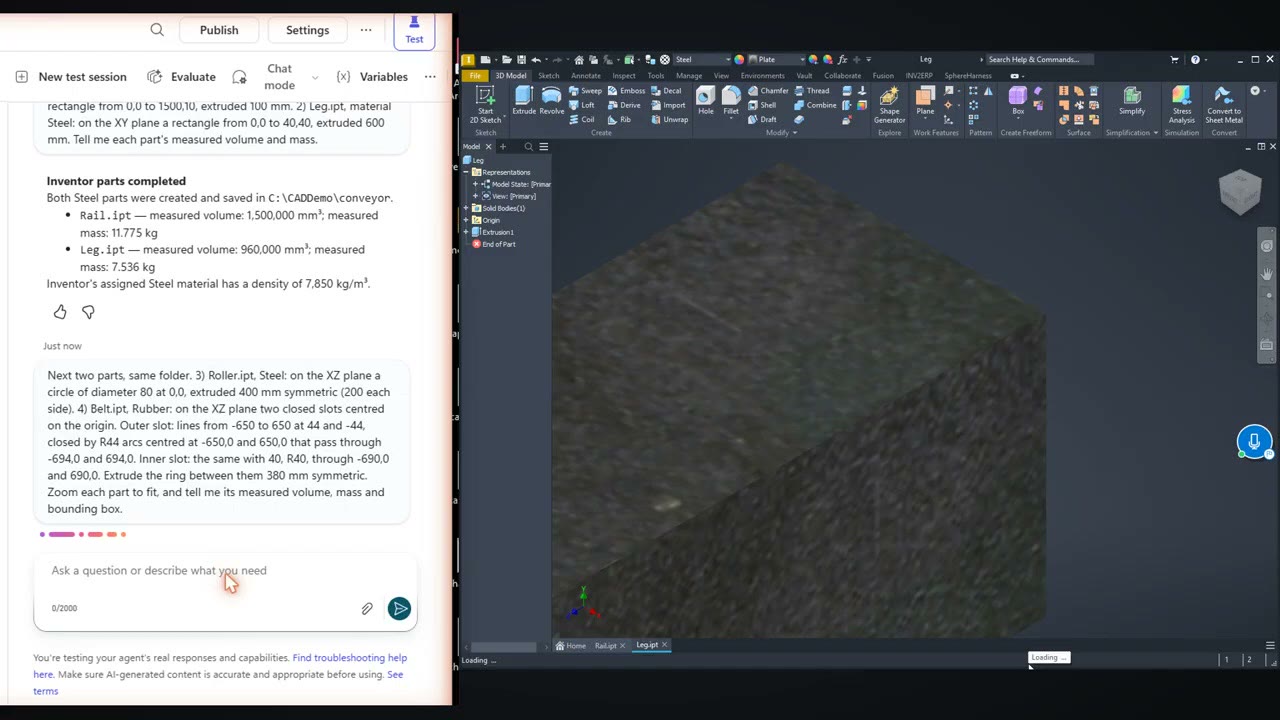
The next request added a roller and a belt loop. The one after it set the real layout: "Nice, but now our real layout. First set the Belt material to Rubber. Then create a new assembly C:\CADDemo\conveyor\Conveyor.iam and place, with no rotation (mm): Rail at 0,-210,500 and at 0,200,500. Leg at 50,-250,0 and 1410,-250,0 and 50,210,0 and 1410,210,0. Roller at 100,0,550 and 1400,0,550. Belt at 750,0,550. Nothing else. Save it, zoom to fit, and give me the measured number of occurrences, the bounding box and the total mass."
What we measured
Inventor reported 9 components (2 rails, 4 legs, 2 rollers and 1 belt), an overall envelope of 1500 x 500 x 600 mm and an assembly mass of 89.309 kg. The belt material changed from Generic to Rubber, and the agent verified a density of 0.93 g/cm³.
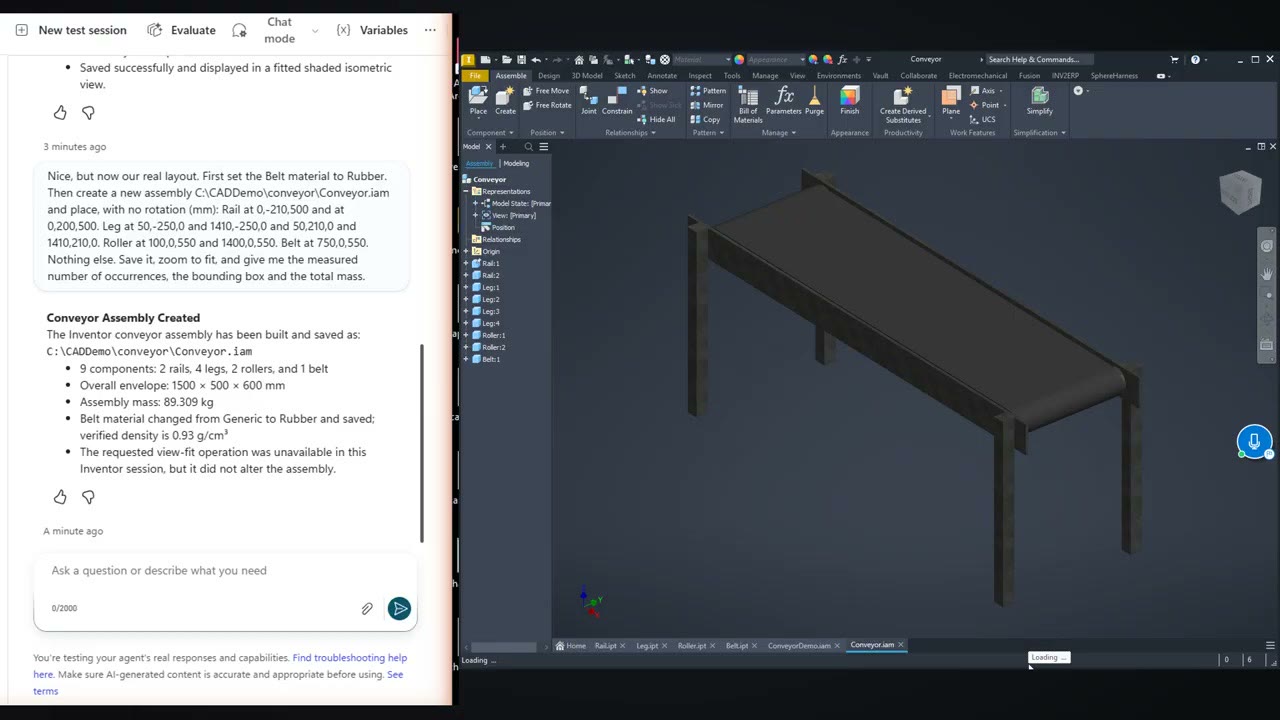
A follow-up request said the numbers matched the spec and asked for the assembly as a STEP file, which produced the STEP export.
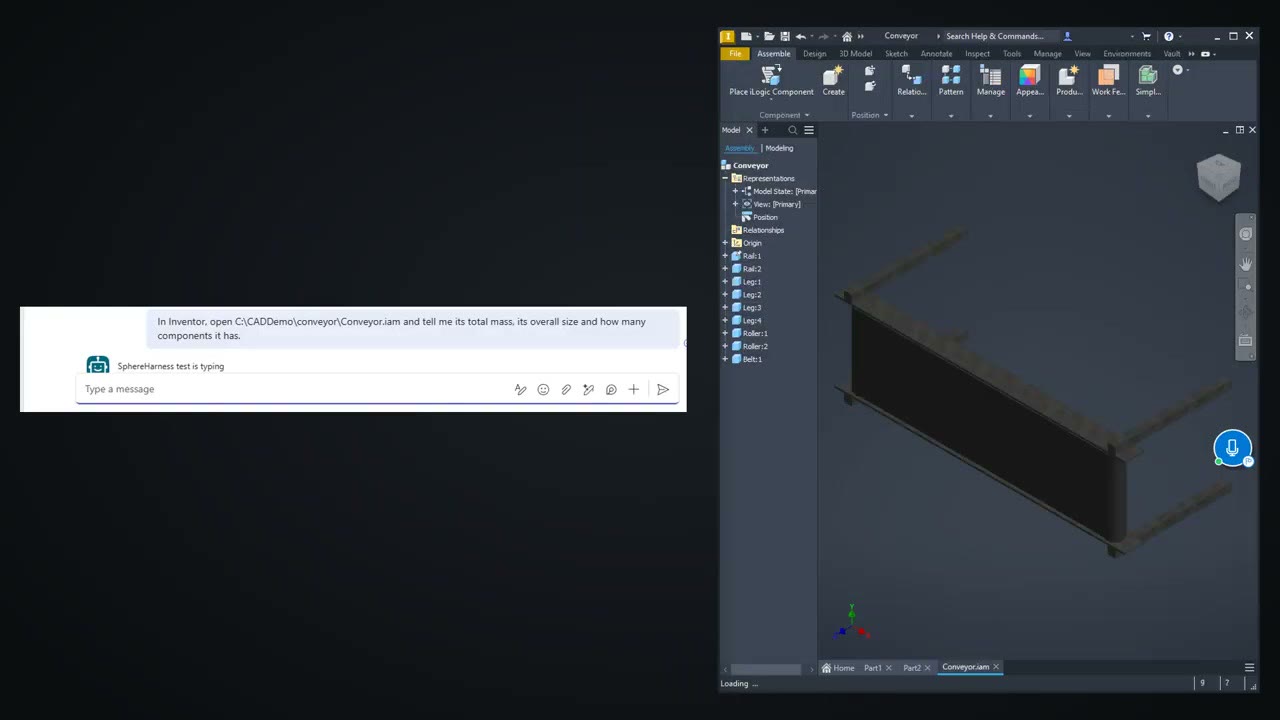
The same Copilot agent also answers in Microsoft Teams. The request there was: "In Inventor, open C:\CADDemo\conveyor\Conveyor.iam and tell me its total mass, its overall size and how many components it has." The answer repeated 89.309 kg, 1500 x 500 x 600 mm and 9 components.
What did not work
One operation failed and the agent said so: the requested view-fit was unavailable in that Inventor session. The reply states that it did not alter the assembly.
Set-up
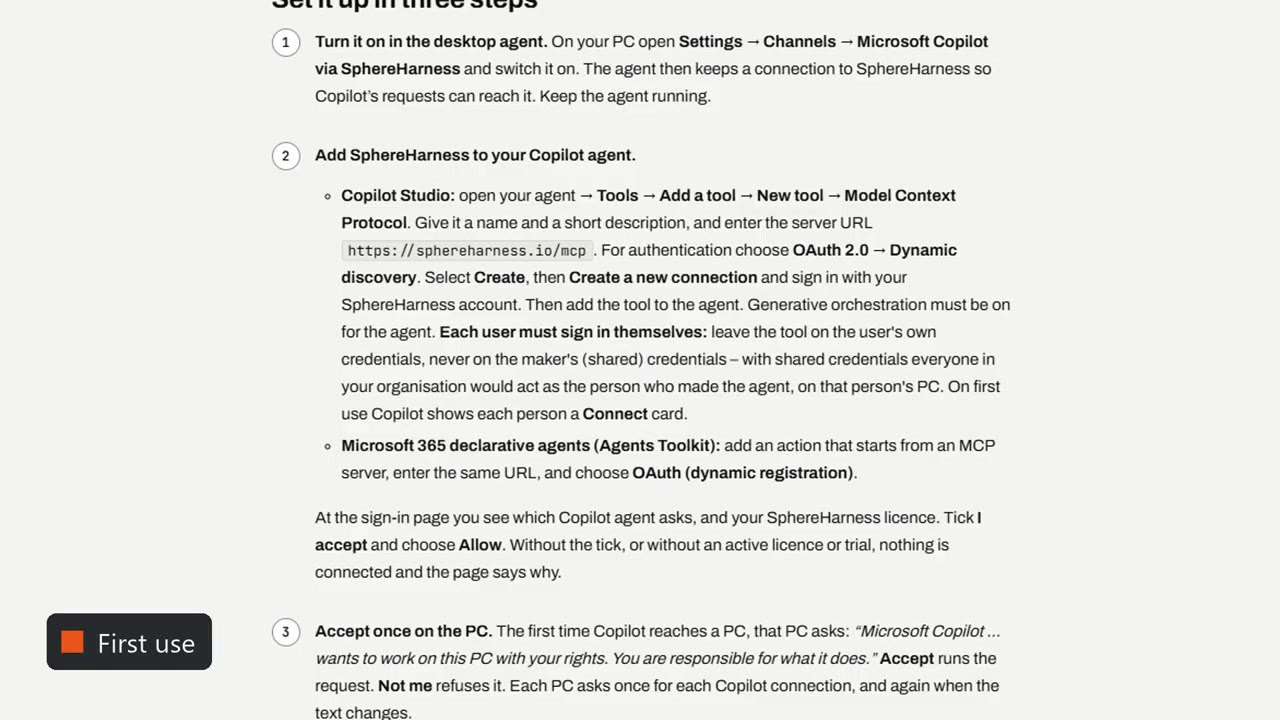
The video closes with three steps.
First, switch on Microsoft Copilot via SphereHarness in the desktop agent's channels settings. Second, add the SphereHarness MCP address, https://sphereharness.io/mcp, as a tool in Copilot Studio with OAuth 2.0 dynamic discovery, keeping end-user credentials. Third, sign in, tick "I accept" and accept once on the PC. The written guide is at /help/channels-copilot.
Try it yourself
SphereHarness for Autodesk Inventor is described at /inventor, and /help/getting-started walks through the first install and the first request.