

STEP solids and a PDF drawing converted to Inventor parts
A history-free STEP bearing block rebuilt as features, a pillow block assembly with 71 mates, a drawing from a PDF and sheet-metal parts with flat patterns.

The video plays from YouTube’s privacy-enhanced player only after you click it.
SphereHarness converted history-free STEP solids and a PDF drawing into native Autodesk Inventor parts, an assembly and a drawing. The sheet-metal door came back as true Inventor sheet metal at exactly the source volume, 2 mm thick with a 2 mm bend radius, and its flat pattern measured 729 by 529 mm.
What was asked
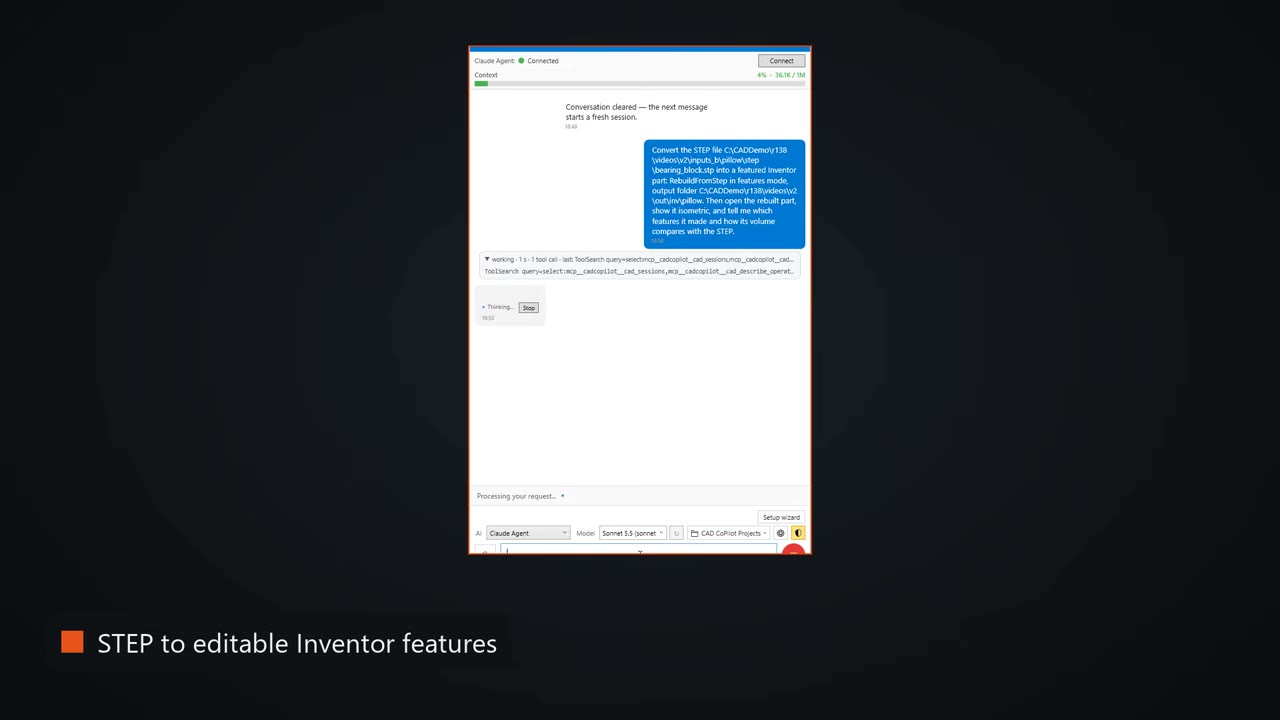
The first request names the operation: RebuildFromStep in features mode. The text goes on: "Then open the rebuilt part, show it isometric, and tell me which features it made and how its volume compares with the STEP."
What the agent did
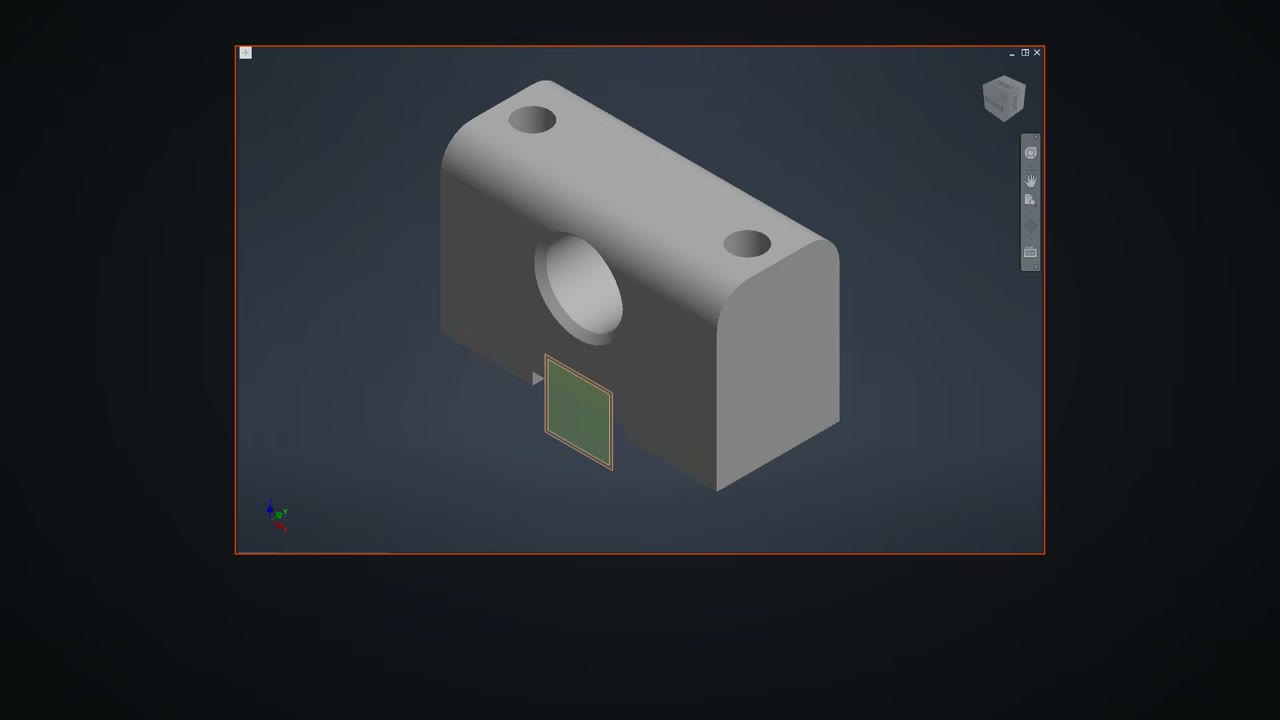
The STEP file had no history. The agent rebuilt the bearing block as an extrusion, holes and a fillet. Its own check found the part slightly heavy because the two bore chamfers had failed. Asked to add them, it put both chamfers in, and the measured volume then matched the STEP exactly, with the bounding box matching too.
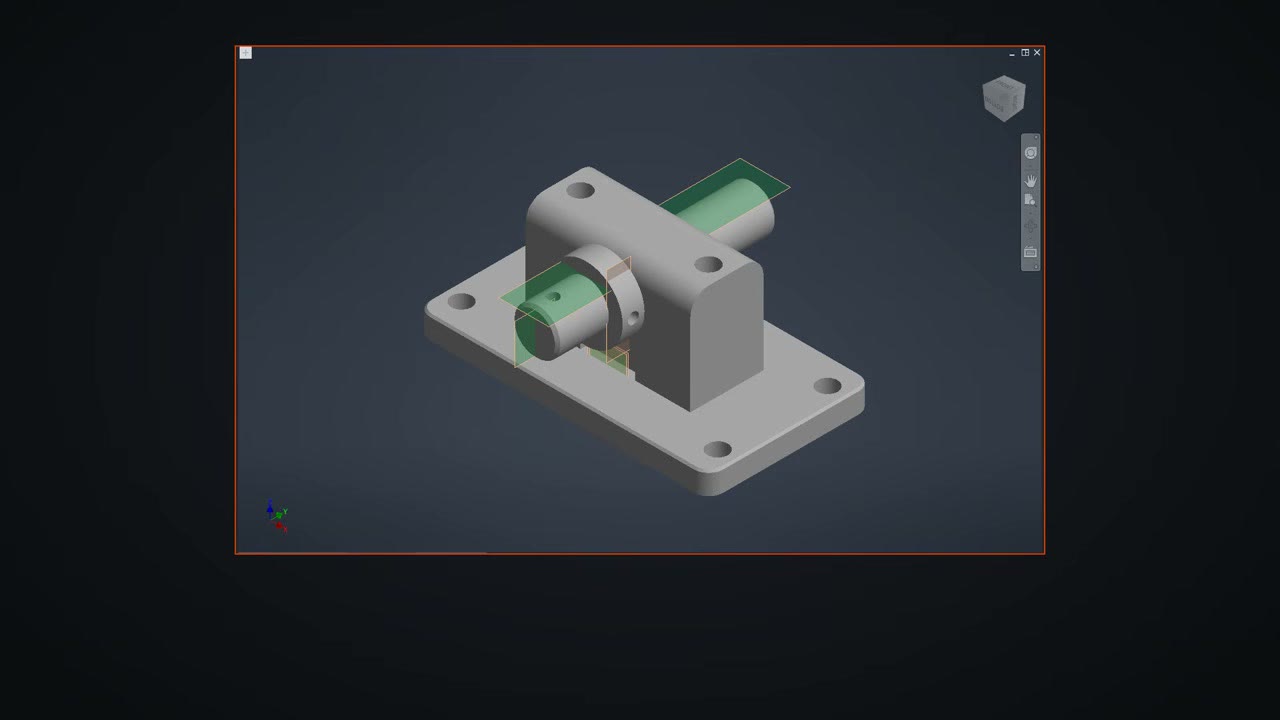
For the assembly, the shaft and collar rebuilt exactly. Where the automatic rebuild of the base plate fell short, the agent modelled the plate from the measured STEP instead. It grounded the base plate, used auto-constrain for the rest, and Inventor reported every part fully constrained with all four placements matching the STEP.
The drawing came from a PDF. The agent read the sheet, the views, the dimensions and the title block, and redrew them on the same A3 sheet in Inventor.
What did not work
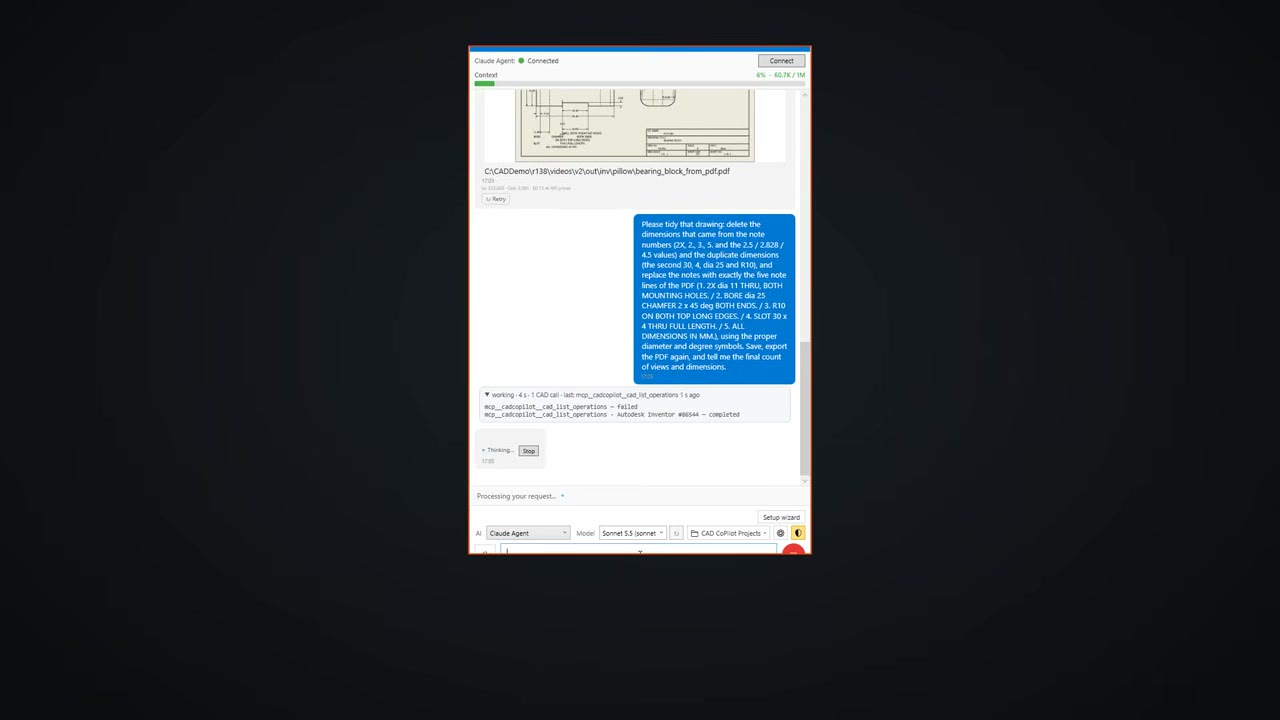
The first drawing pass turned note numbers into extra dimensions. The follow-up began: "Please tidy that drawing: delete the dimensions that came from the note numbers", and also removed duplicate dimensions, restored the five note lines of the PDF and fitted the isometric view inside the border. The title block keeps the company name, PLM CAD.
What we measured
The sheet-metal part of the video starts from cabinet parts that arrive as plain STEP solids with no features and no flat patterns. The K factor of 0.44 was given in the request. The door came back as sheet metal, 2 mm thick with a 2 mm bend radius, at exactly the source volume, with a flat pattern of 729 x 529 mm.
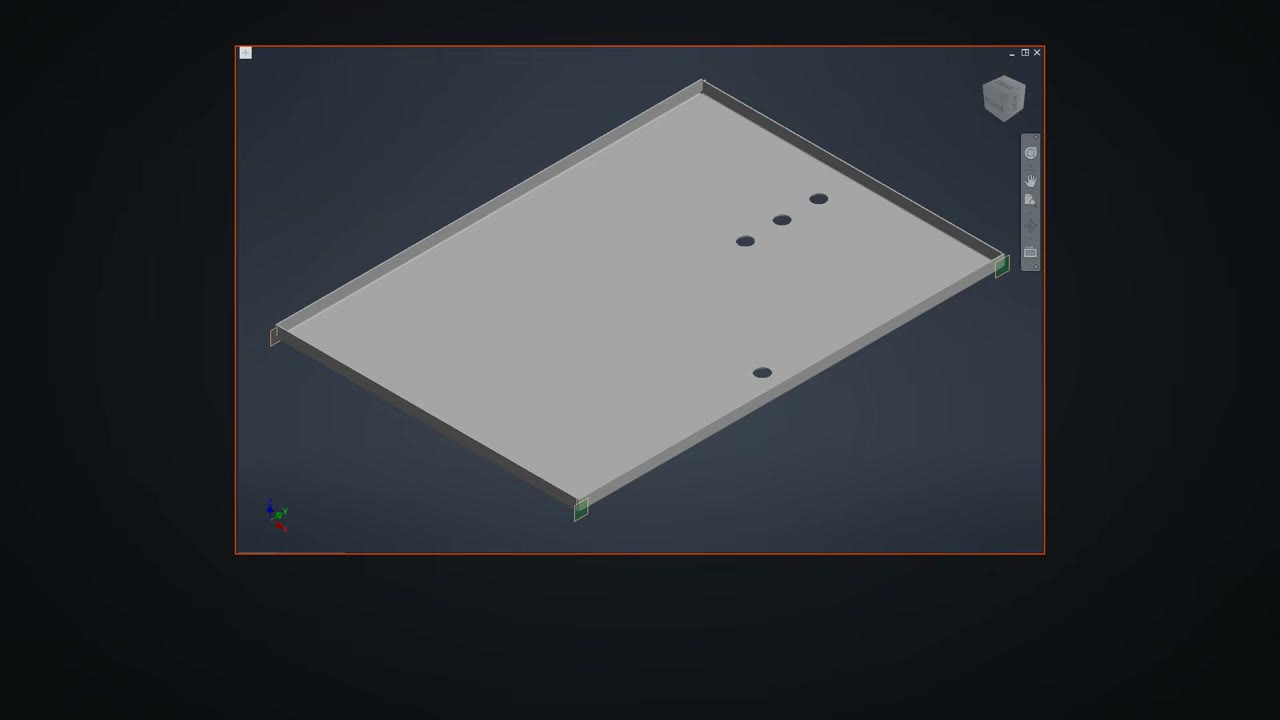
Three more parts were converted the same way, each at exactly its source volume. Even the flat gusset plate became sheet metal, so it has a flat pattern for cutting. The hinge bracket, the mounting plate with its slots and the corner gusset came back with their holes and bends. The cabinet was then reassembled: each of the 30 solids in the STEP was matched to its rebuilt part and placed exactly, the back panel was grounded, and 71 mates hold the rest.
Try it yourself
SphereHarness for Autodesk Inventor is described at /inventor, and /help/getting-started walks through the first install and the first request.