

Belt conveyor assembly built part by part in Siemens NX
SphereHarness builds a belt conveyor in Siemens NX from chat requests: rails, legs, rollers, belt and motor, then assembles it and clears a 46 mm clash.

The video plays from YouTube’s privacy-enhanced player only after you click it.
A belt conveyor was built in Siemens NX as six part files and one assembly, and the last step was a clash check that found one overlap and then none. The chat in the video shows the request "create conveyor assembly in nx."; the video description states that every part and the assembly came from plain-English requests.
What was asked
The chat card in the first frames reads "create conveyor assembly in nx." Each part was then described in plain words: a side rail, a support leg, a cross member, a roller, a drive motor and a belt.
What the agent did
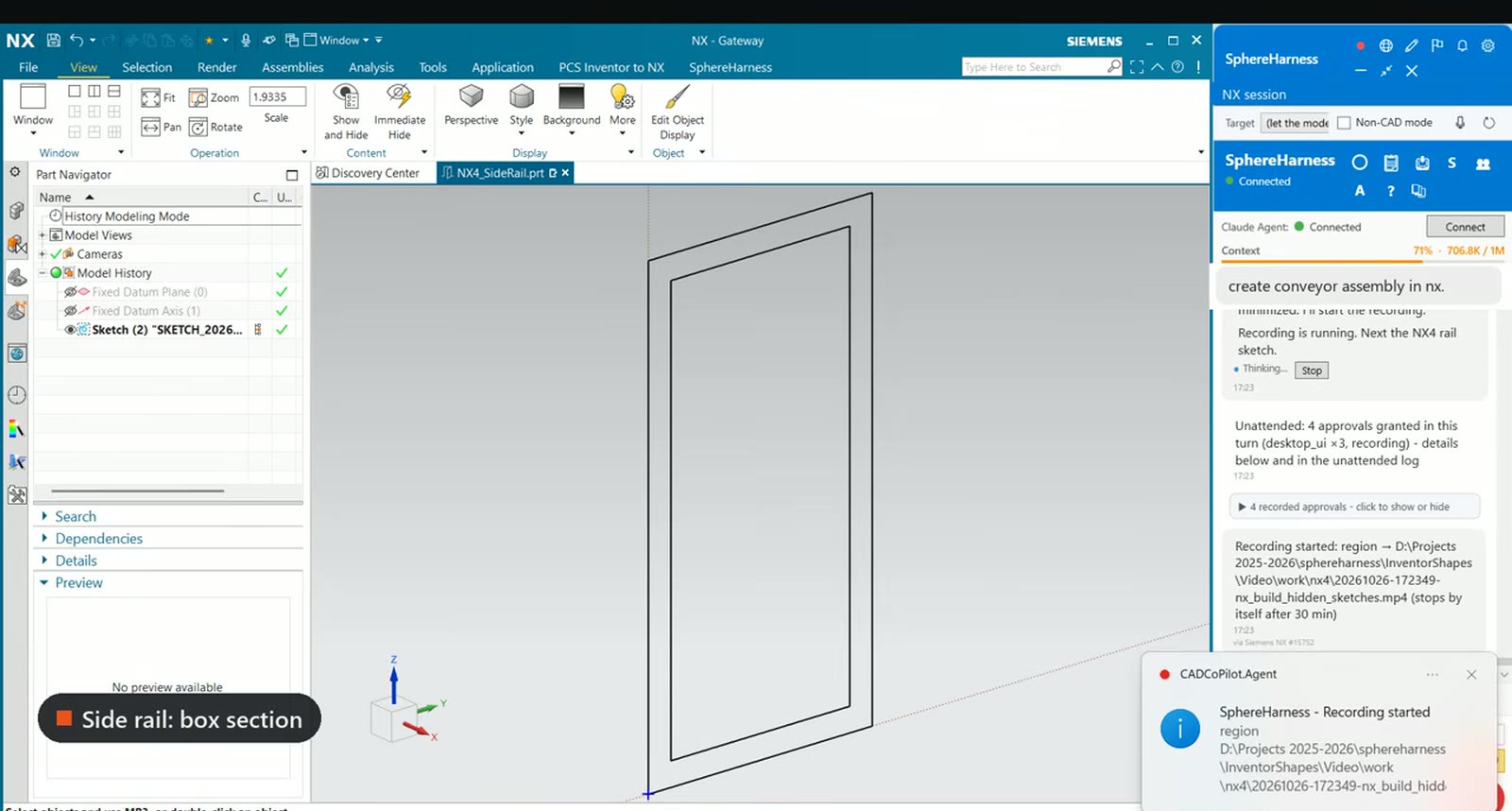
Each part is a separate NX file. The side rail is a 50 x 100 mm box section with a 5 mm wall, extruded 2,000 mm. The support leg is a 50 mm square tube with a 5 mm wall, extruded 650 mm. The cross member is a 40 mm square tube, 540 mm long.
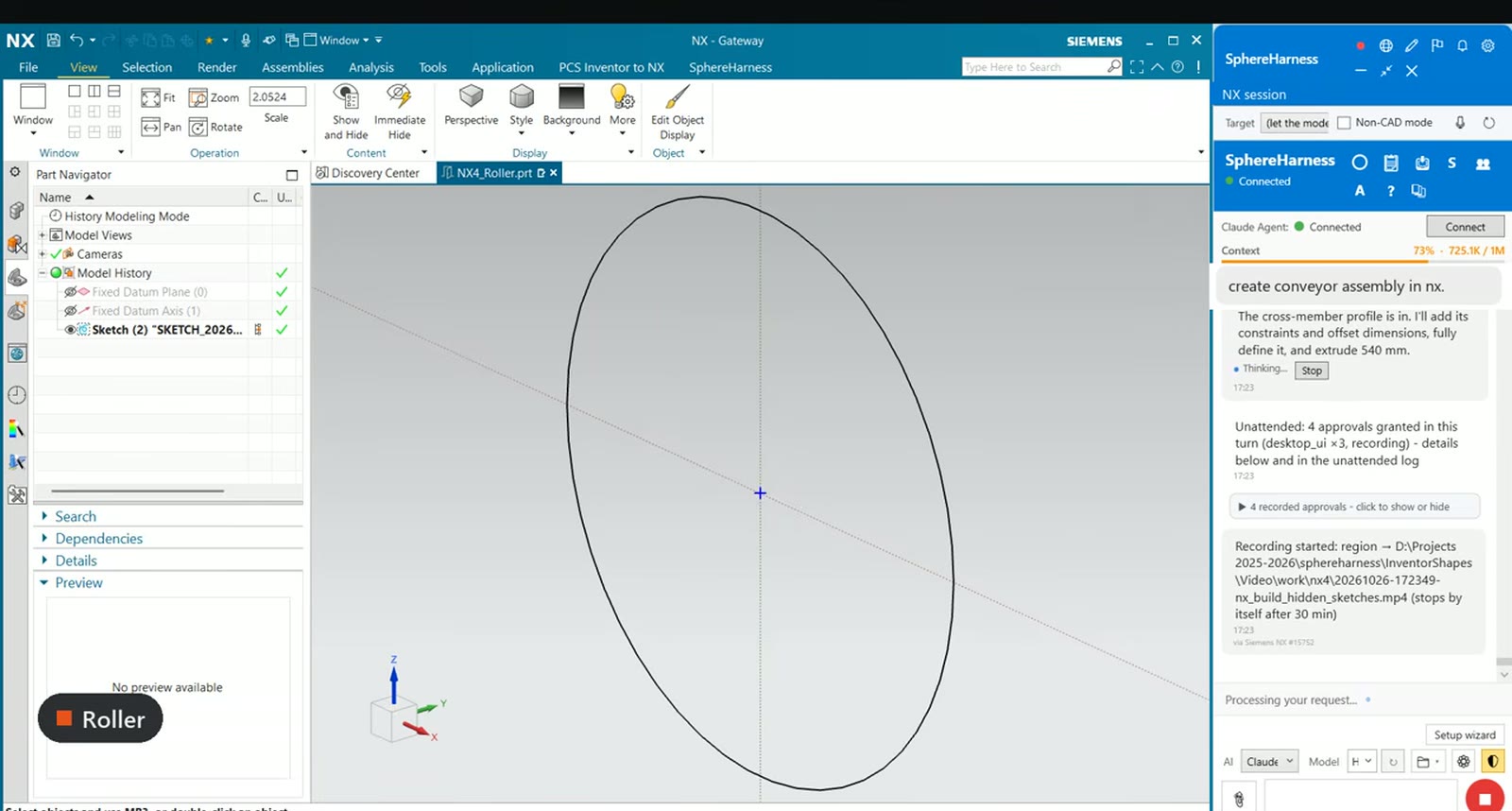
The roller is a 100 mm diameter drum, 540 mm long, extruded symmetric about its sketch plane. The drive motor is a 100 x 160 x 100 mm block.
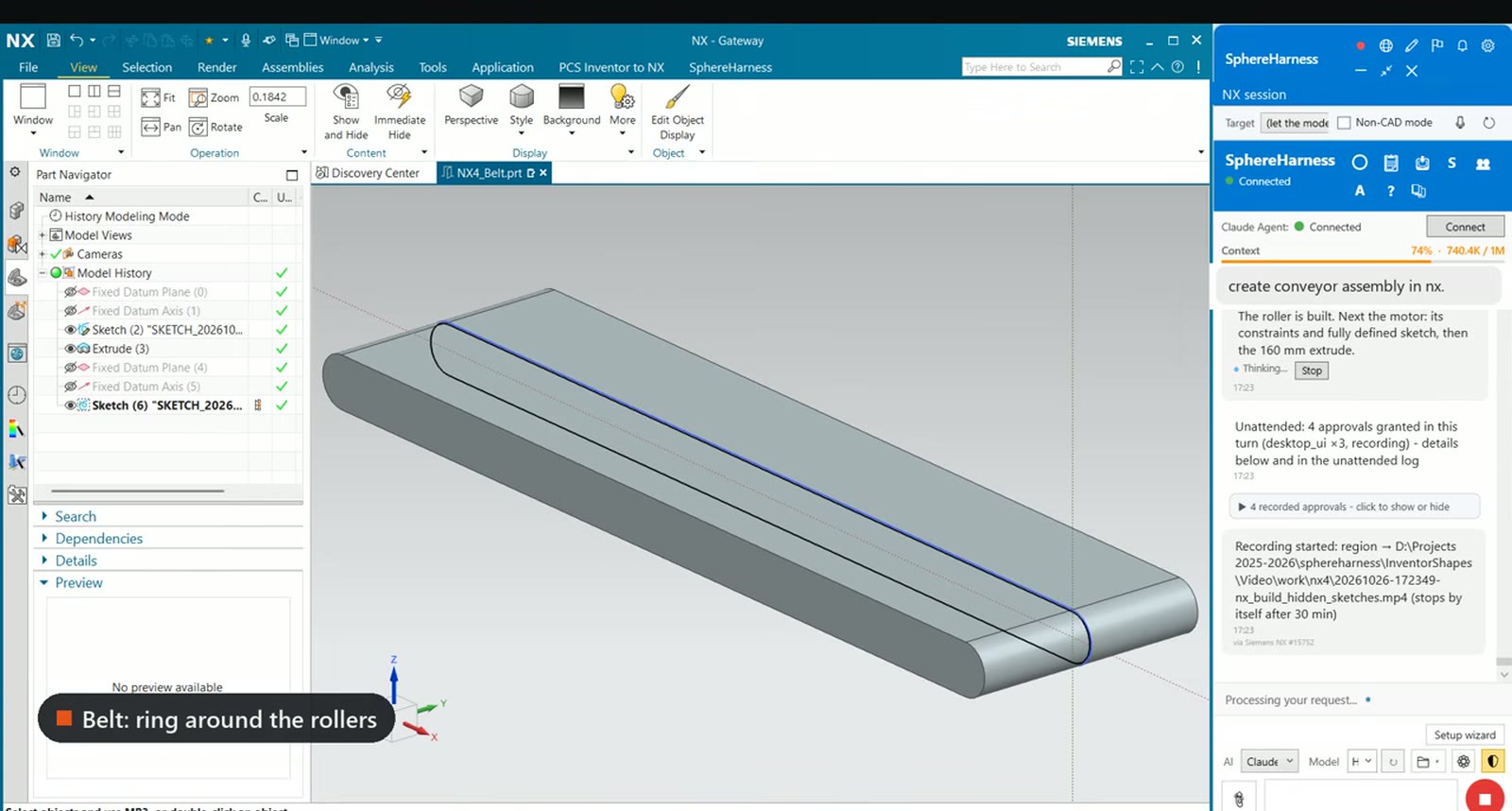
The belt is a closed loop around two pulleys 1,800 mm apart. The agent then created a new assembly and placed the parts.
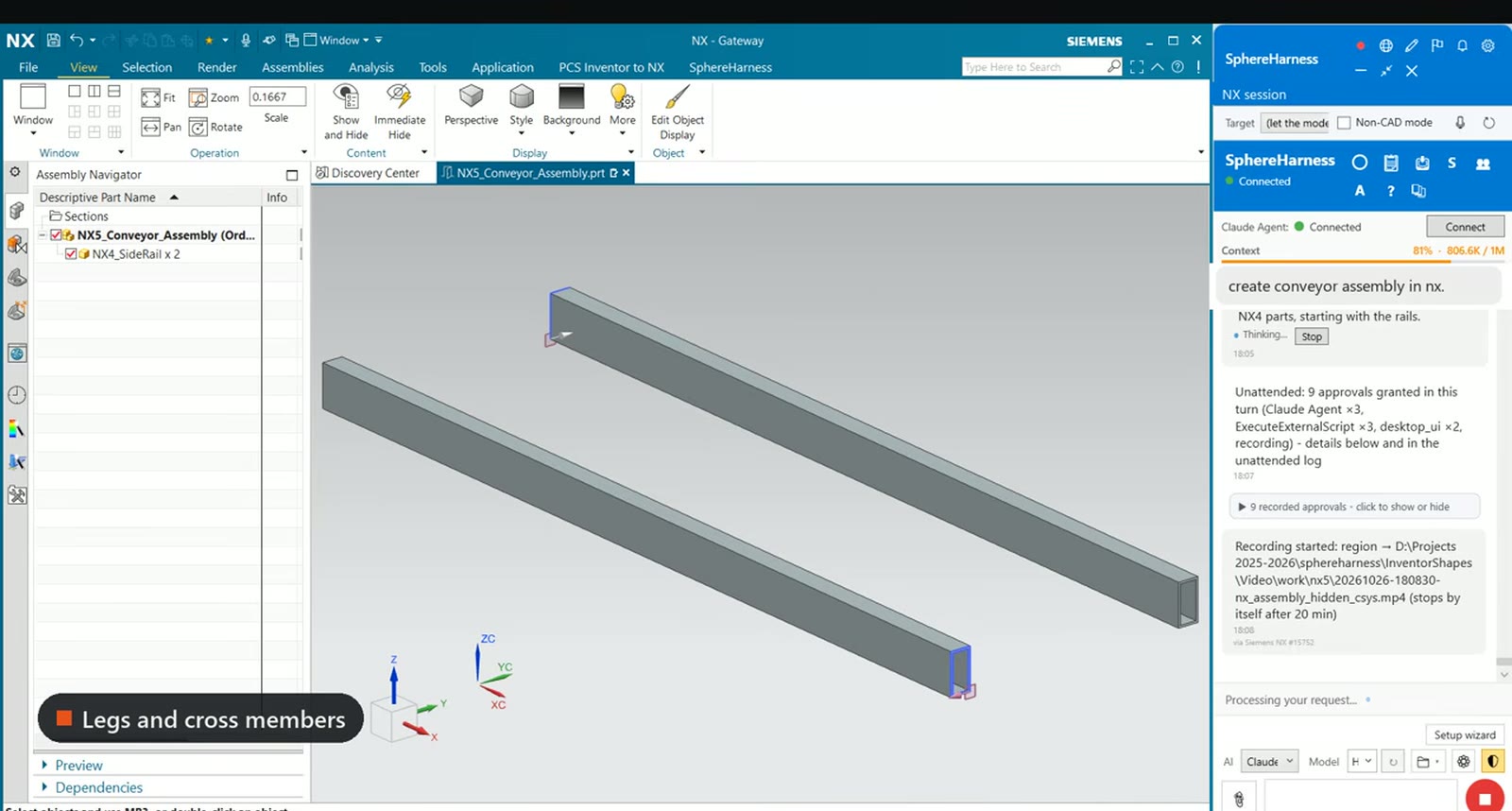
Two side rails go in first, one on each side. Four legs and two cross members form the support frame, two rollers go between the rails, the belt wraps around them and the motor goes on the head end.
What we measured
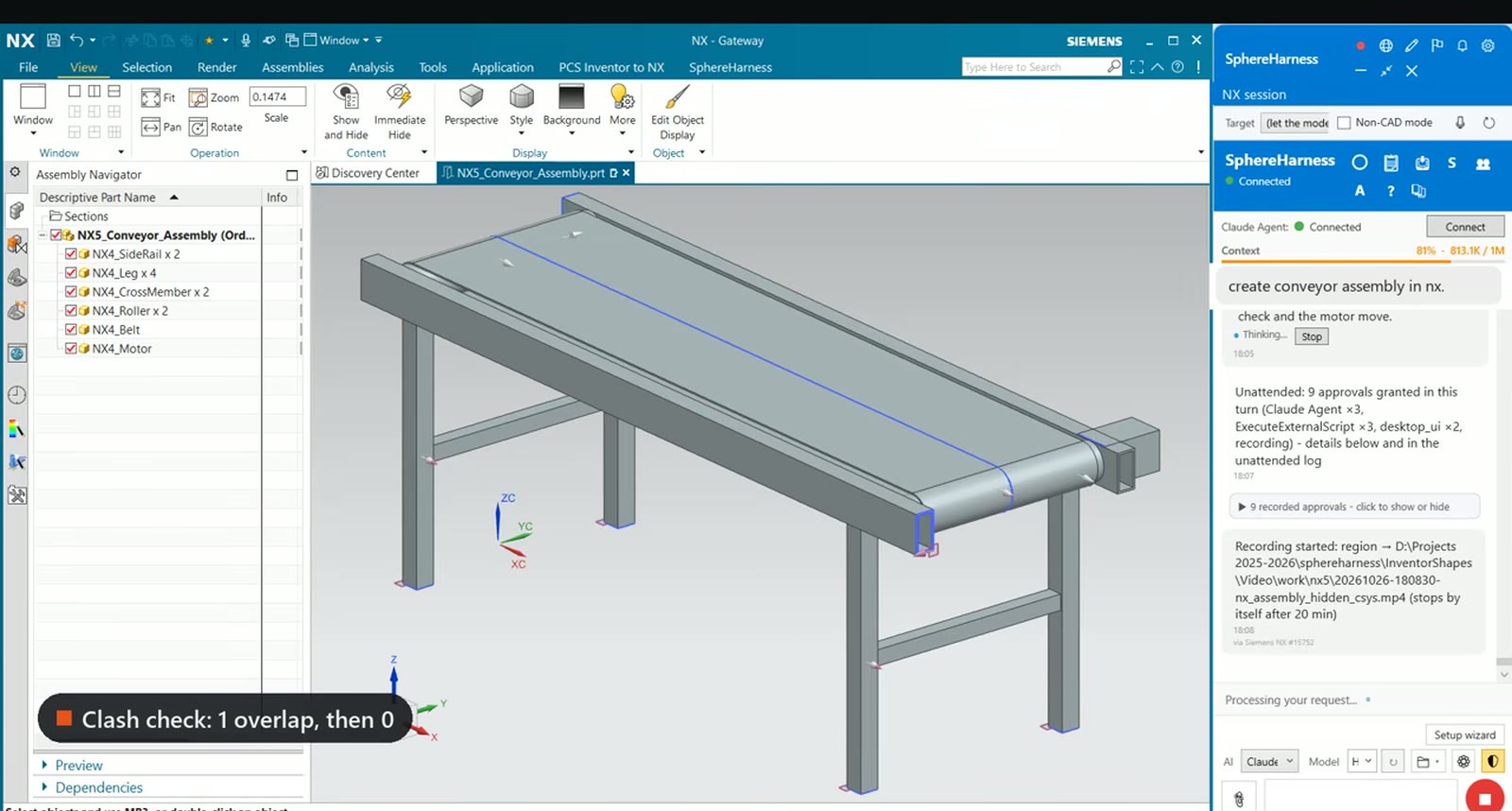
The Assembly Navigator in this frame lists NX4_SideRail x 2, NX4_Leg x 4, NX4_CrossMember x 2, NX4_Roller x 2, NX4_Belt and NX4_Motor. The on-screen label reads "Clash check: 1 overlap, then 0".
What did not work first time
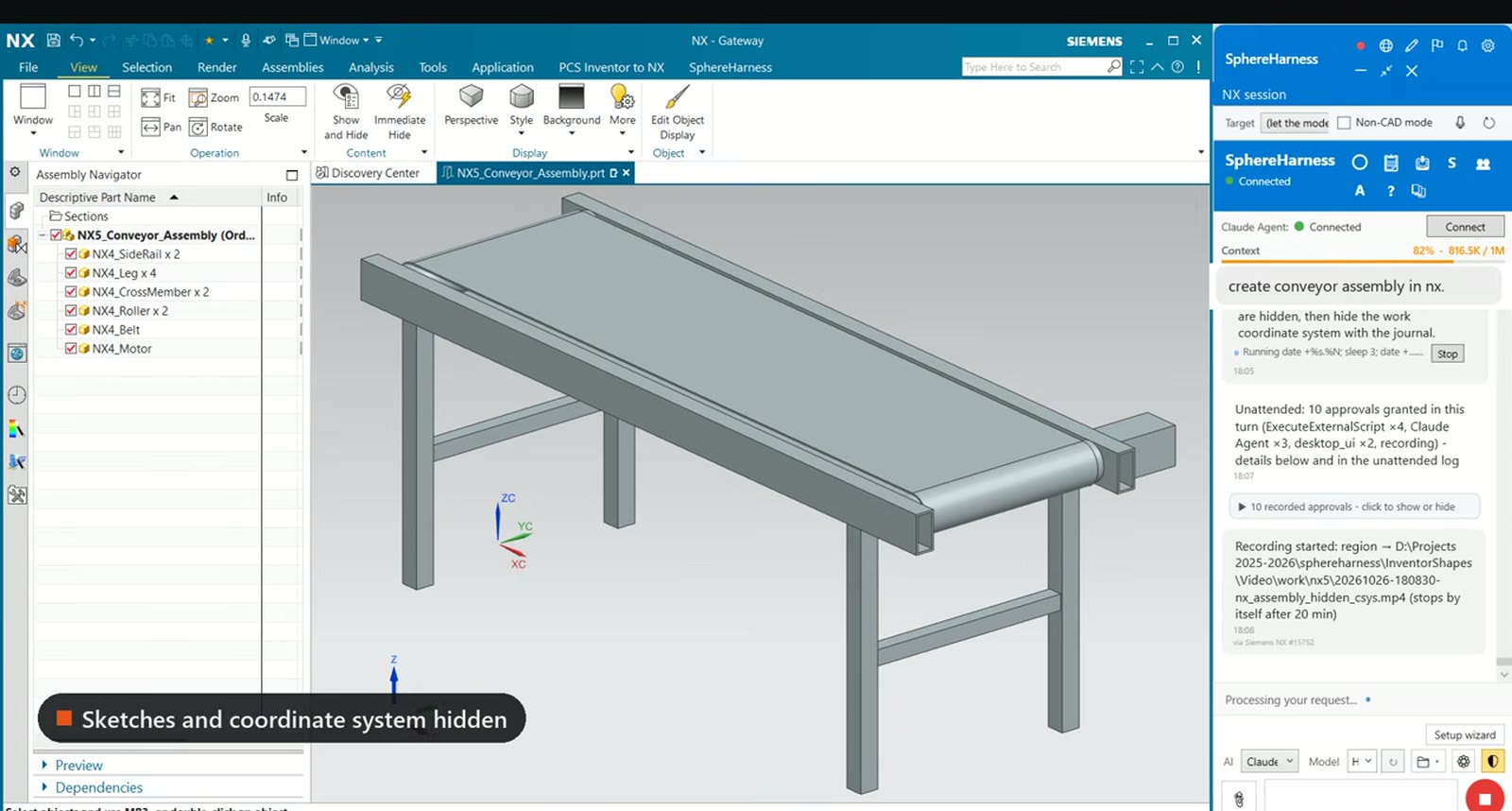
The first clash check found the motor overlapping the rail flange. The agent moved the motor out by 46 mm, and the second check found no overlaps. Afterwards the agent hid every sketch and coordinate system in the assembly so that only the solid parts show.
Try it yourself
The NX page is at /nx, and the first-run steps are in /help/getting-started.